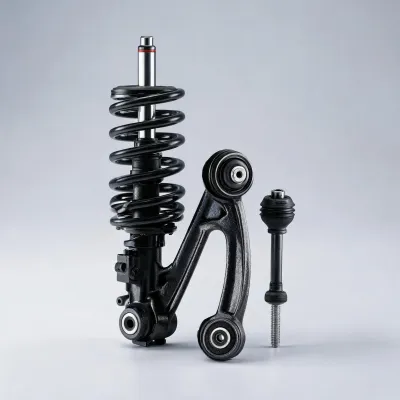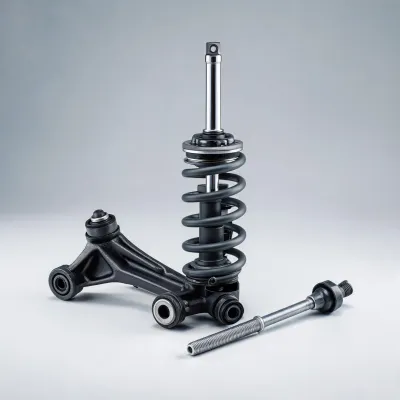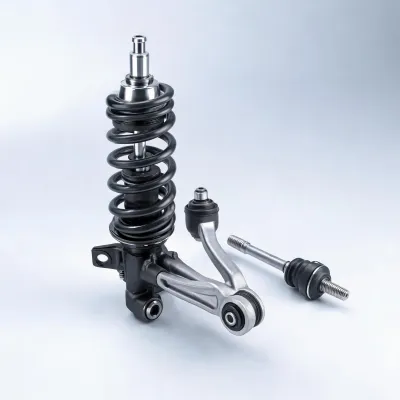
shock absorber
Fitment review
OE reference
Distributor quote

The Bilstein product page keeps the back-end product feed intact while surrounding each category with buyer context for fitment research, distributor replenishment, and service planning.
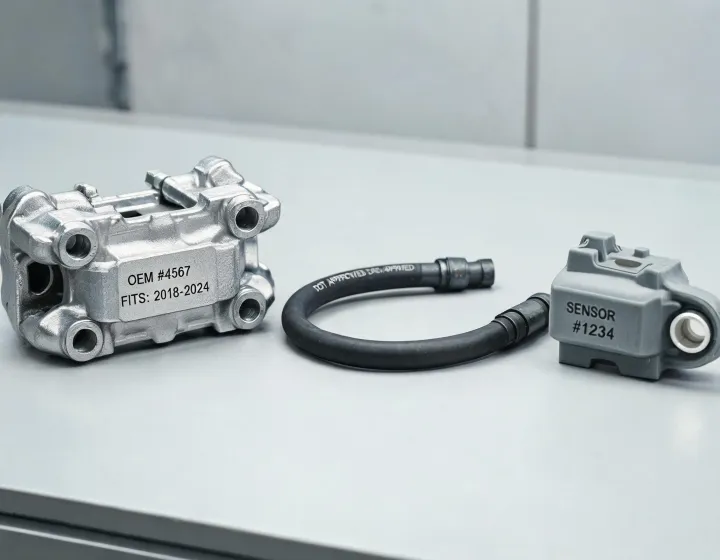
Product cards deliberately use only approved dynamic fields from the platform feed, so the template remains stable when new shock absorbers, struts, coil spring assemblies, or steering components are uploaded by the operating team. Static specification chips explain the buying lens without inventing unsupported product data.
Bilstein product review begins with the application rather than the display card. A buyer may arrive from a repair estimate, an e-commerce search term, a fleet maintenance schedule, or a sourcing worksheet, and each route requires a slightly different set of details before a part can be discussed responsibly. Vehicle coverage, axle position, replacement context, and OE reference are the practical anchors for the request.
The page therefore keeps the live product loop compact and controlled while surrounding it with static guidance for technical buying. Catalog managers can map names to searchable category families, distributors can start replenishment conversations with cleaner assumptions, and service teams can open the inquiry modal when an installation position or cross-reference needs review. Nothing in the card attempts to invent unsupported specifications from the product feed globally.
Bilstein quote handling works best when buyers provide application scope early, because that allows the response to include replacement position, documentation need, and availability planning instead of a bare part name.
Send a Product Request